General
PromptBeginner5 minmarkdown
<h1 align="center">
<a href="https://prompts.chat">
5
- 前段时间存储库消失是因为GitHub给我封号了
Sign in to like and favorite skills




A PotPlayer plugin that leverages the ChatGPT API to provide real-time, context-aware subtitle translation. ✨
Works on my machine.
PotPlayer_ChatGPT_Translate is a PotPlayer plugin that integrates the ChatGPT API to deliver real-time, context-aware subtitle translation. Unlike traditional translation tools, this plugin considers context, idioms, and cultural nuances to produce more accurate translations. The core of the project is implemented using AngleScript, leveraging both the ChatGPT API and PotPlayer API for deep integration.
One key advantage of using ChatGPT for subtitle translation is its ability to understand context and cultural references. Compare the following results:
Original subtitle:
"You're gonna old yeller my f**king universe."
Google Translate Result:
"你要老了我他妈的宇宙吗?"
(Nonsensical and incorrect)
ChatGPT Translation Result:
"你要像《老黄犬》一样对待我的宇宙?"
(Correctly captures the reference and intended meaning)
Original Subtitle:
"But being one in real life is even better."
ChatGPT Translation (Without Context):
"但是,在现实生活中成为一个人甚至更好。"
(Literal translation, failing to capture the implied meaning)
ChatGPT Translation (With Context):
"但在现实生活中成为一个反派更好。"
(Accurately capturing the intended context)
Click below to watch the tutorial on Bilibili:
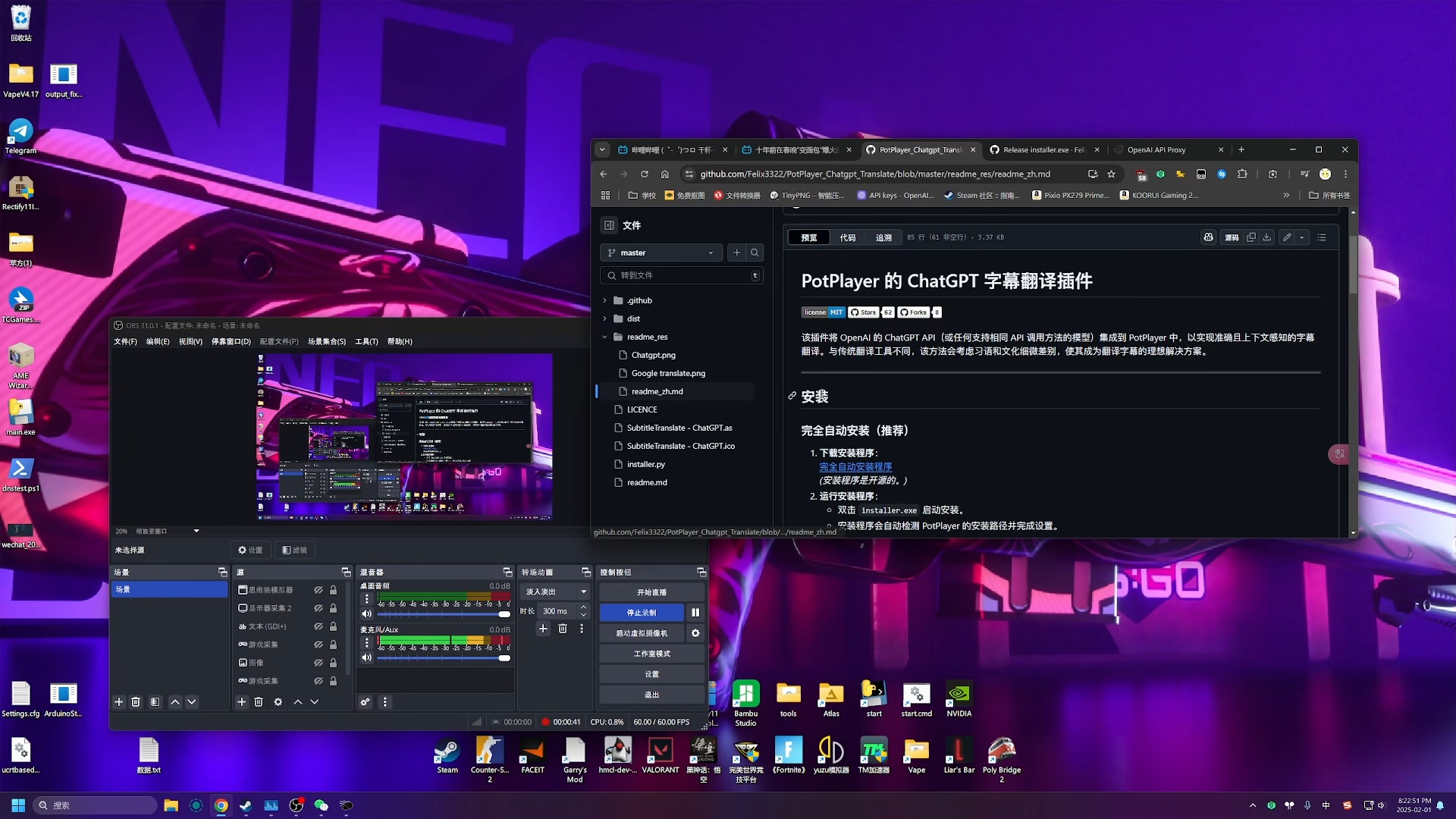
installer.exeinstaller_qt.pyChatGPTSubtitleTranslate.asChatGPTSubtitleTranslate.icoReplaceC:\Program Files\DAUM\PotPlayer\Extension\Subtitle\Translate
C:\Program Files\DAUM\PotPlayerℹ️ If you switch between the context-aware and no-context scripts, replace both
files together. Older copies that used the shared.asname can cause PotPlayer to report a conflict on whichever script loads first (often the standard context version). The current files use uniquely prefixed helpers to avoid this.FormatFailureTranslation
Open PotPlayer's Preferences:
Press F5 to open the PotPlayer Preferences.
Navigate to Extensions:
Go to Extensions > Subtitle translation.
Select the Translation Plugin:
Choose ChatGPT Translate as the translation plugin.
Configure the Plugin:
Model Name:
You can simply enter the model name, which will use the default API URL.
Example:
gpt-4.1-nano
Alternatively, specify a custom API URL using the following format:
ModelName|API Base URL
Example:
gpt-4.1-nano|https://api.openai.com/v1/chat/completions
Note:
In version v1.5 and later, if you're using a self-hosted or third-party API that does not require an API key, you can addat the end:nullkeygpt-4.1-nano|nullkeyor:
qwen2.5:7b|http://127.0.0.1:11434/v1/chat/completions|nullkey
API Key:
Enter your API key if needed.
You can test your API key using keytest.obanarchy.org to ensure it is valid.
Set the Source and Target Languages:
Configure the source and target languages as required.
Use the format:
ModelName|API Base URL|nullkey (optional)
Here is a list of supported models:
Deepseek: deepseek-chat|https://api.deepseek.com/v1/chat/completions
Tongyi Qianwen: qwen-plus|https://dashscope-intl.aliyuncs.com/compatible-mode/v1/chat/completions
SiliconFlow: siliconflow-chat|https://api.siliconflow.cn/v1/chat/completions
ERNIE Bot (Wenxin Yiyan): ernie-4.0-turbo-8k|https://qianfan.baidubce.com/v2/chat/completions
Gemini: gemini-2.0-flash|https://generativelanguage.googleapis.com/v1beta/openai/chat/completions
ChatGLM: chatglm-6b|https://api.chatglm.cn/v1/chat/completions
LLaMA: llama-13b|https://api.llama.ai/v1/chat/completions
Code LLaMA: code-llama-34b|https://api.llama.ai/v1/code/completions
OpenAI GPT-4o: gpt-4o|https://api.openai.com/v1/chat/completions
OpenAI GPT-4 Turbo: gpt-4-turbo|https://api.openai.com/v1/chat/completions
OpenAI GPT-3.5 Turbo: gpt-3.5-turbo|https://api.openai.com/v1/chat/completions
Claude 3 Sonnet: claude-3-sonnet-20240229|https://api.anthropic.com/v1/messages
Mistral Large: mistral-large|https://api.mistral.ai/v1/chat/completions
Groq Llama 3: llama3-70b-8192|https://api.groq.com/openai/v1/chat/completions
Perplexity Sonar Large: pplx-70b-online|https://api.perplexity.ai/chat/completions
Fireworks Mixtral: accounts/fireworks/models/mixtral-8x7b-instruct|https://api.fireworks.ai/inference/v1/chat/completions
Moonshot v1: moonshot-v1-128k|https://api.moonshot.cn/v1/chat/completions
Yi 34B Chat: yi-34b-chat|https://api.lingyi.ai/v1/chat/completions
Local Deployment (no API key): model-name|http://127.0.0.1:PORT/v1/chat/completions|nullkey
Model names in the installer are shown in your chosen language whenever possible.
You can expand or replace these with any OpenAI-compatible model that supports the chat/completions endpoint.
When playing a video with subtitles in PotPlayer, the plugin automatically calls the ChatGPT API to translate the subtitles in real time. By handling context, idioms, and cultural nuances, the plugin provides more accurate translations.
For example:
Contributions are welcome! When submitting a pull request, please clearly describe the purpose of your changes.
If you have suggestions for improvements or bug fixes, feel free to open an issue before making modifications.
Distributed under the GPLv3 License. See
LICENSEPersonal website: obanarchy.org


