General
PromptBeginner5 minmarkdown
<h1 align="center">
<a href="https://prompts.chat">
5
</div>
Sign in to like and favorite skills










chatgpt.js is a powerful JavaScript library that allows for super easy interaction w/ the ChatGPT DOM.
[!NOTE] To always import the latest version (not recommended in production!) replace the versioned jsDelivr URL with:
https://cdn.jsdelivr.net/npm/@kudoai/chatgpt.js/chatgpt.min.js
(async () => {
    await import('https://cdn.jsdelivr.net/npm/@kudoai/[email protected]/dist/chatgpt.min.js');
    // Your code here...
})();
var xhr = new XMLHttpRequest();
xhr.open('GET', 'https://cdn.jsdelivr.net/npm/@kudoai/[email protected]/dist/chatgpt.min.js');
xhr.onload = function () {
    if (xhr.status === 200) {
        var chatgptJS = document.createElement('script');
        chatgptJS.textContent = xhr.responseText;
        document.head.append(chatgptJS);
        yourCode(); // runs your code
    }
};
xhr.send();

function yourCode() {
    // Your code here...
}

 Greasemonkey:
[!NOTE] To use a starter template: kudoai/chatgpt.js-greasemonkey-starter
...
// @require https://cdn.jsdelivr.net/npm/@kudoai/[email protected]/dist/chatgpt.min.js
// ==/UserScript==

// Your code here...
 Chrome:
[!NOTE] To use a starter template: kudoai/chatgpt.js-chrome-starter
Since Google does not allow remote code, importing chatgpt.js locally is required:
Save https://raw.githubusercontent.com/KudoAI/chatgpt.js/main/chatgpt.js to a subdirectory (
libIn project's (V3)
manifest.jsonlib/chatgpt.js"web_accessible_resources": [{ "matches": ["<all_urls>"], "resources": ["lib/chatgpt.js"] }],
chatgpt.js(async () => { await import(chrome.runtime.getURL('lib/chatgpt.js')); // Your code here... })();
To download chatgpt.js for local customization, run the following command in your project's root:
npm install @kudoai/chatgpt.js
After installation, navigate to
node_modules/@kudoai/chatgpt.jschatgpt.js was written w/ ultra flexibility in mind.
For example:
chatgpt.getLastResponse();
chatgpt.getLastReply();
chatgpt.response.getLast();
chatgpt.get('reply', 'last');
Each call equally fetches the last response. If you think it works, it probably will... so just type it!
If it didn't, check out the extended userguide, or simply submit an issue or PR and it will be integrated, ezpz!
https://github.com/KudoAI/chatgpt.js/assets/10906554/f53c740f-d5e0-49b6-ae02-3b3140b0f8a4


Add AI chat & product/category summaries to Amazon shopping, powered by the latest LLMs!
Install / Readme / Discuss


Auto-clear your ChatGPT query history for maximum privacy.
Install / Readme / Discuss
 BraveGPT
Add AI chat & search summaries to Brave Search, powered by the latest LLMs!
Install / Readme / Discuss


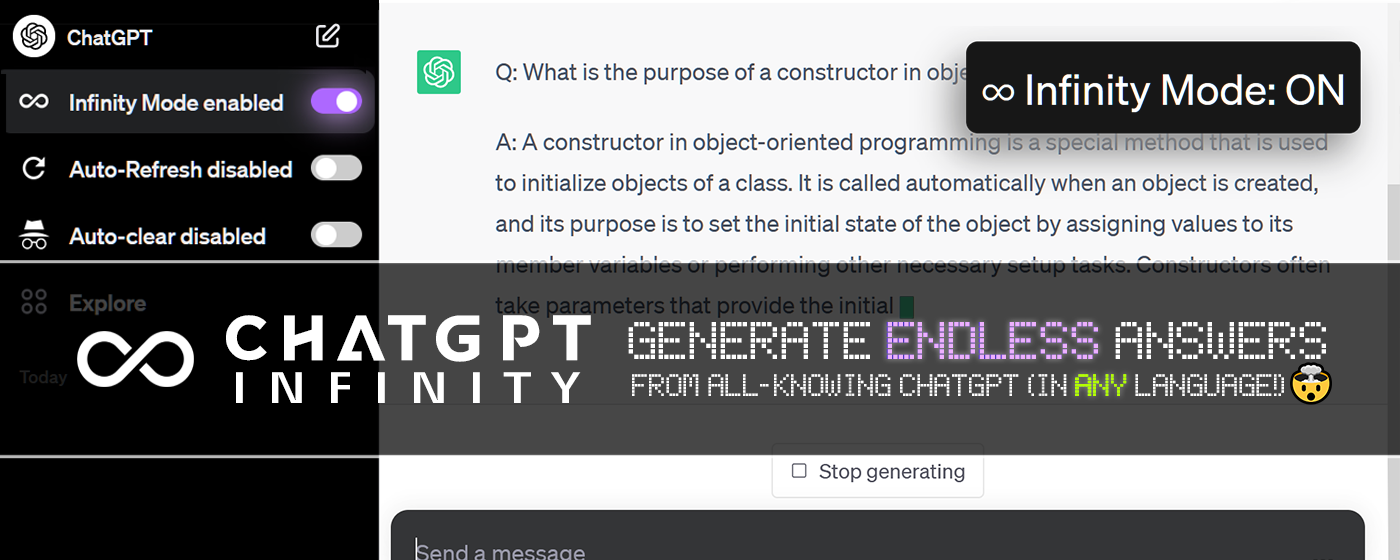
Automatically continue generating answers when ChatGPT responses get cut-off.
Install / Readme / Discuss



Keeps ChatGPT sessions fresh to eliminate network errors + Cloudflare checks.
Install / Readme / Discuss
 DuckDuckGPT
Add AI chat & search summaries to DuckDuckGo, powered by the latest LLMs!
Install / Readme / Discuss


Add AI chat & search summaries to Google Search, powered by the latest LLMs!
Install / Readme / Discuss
 ThunderAI
 ![[Rated 5-stars]](https://assets.chatgptjs.org/images/badges/5-star/blue-stars.png?v=e638eac)
Use ChatGPT in Thunderbird to enhance you emails, even with a free account!
Install / Readme / Support

If you've made something w/ chatgpt.js you want to share, email [email protected] or just open a pull request!
This library exists thanks to code, translations, issues & ideas from the following contributors:


chatgpt.js is funded in part by: